
What Is a Hospital Management System?
A hospital management system (HMS) is software that digitises and connects every department of a hospital or clinic — from OPD registration and billing to pharmacy and discharge summaries — into one unified platform. It reduces paperwork, speeds up patient flow, and gives administrators real-time visibility across the facility. This post explains what an HMS is, how it differs from an HIS or EMR, and the signs your facility is ready for one.
Last updated: June 2026
If you have searched for software to manage your hospital or clinic, you have almost certainly run into three overlapping terms: HMS, HIS, and EMR. They are often used interchangeably, even by vendors — which makes it hard to know what you are actually buying. This guide cuts through that confusion, explains what a hospital management system is at its core, and helps you decide whether your facility needs one.
Defining a Hospital Management System
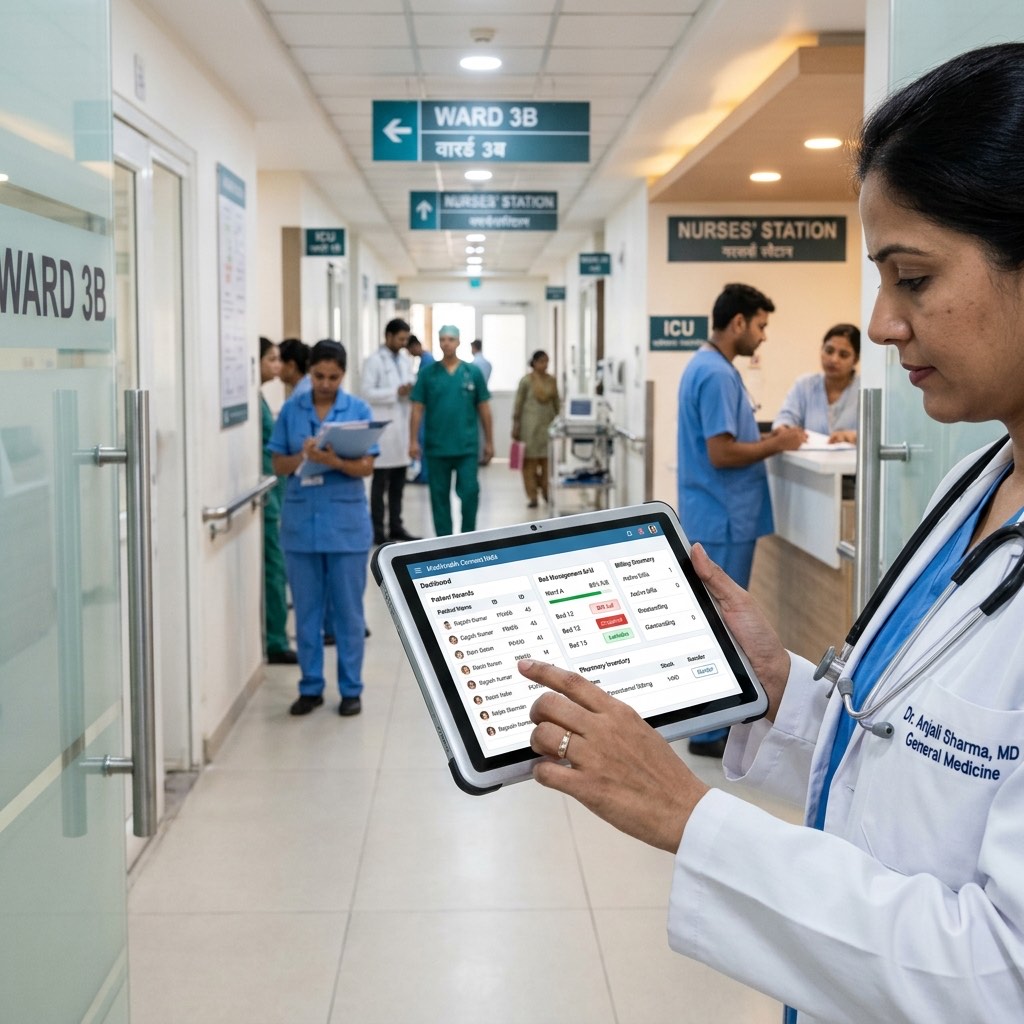
A hospital management system (HMS) is an integrated software platform that handles the administrative, clinical, and financial operations of a hospital or clinic. Think of it as the operating system for your facility: every department — OPD, IPD, pharmacy, billing, ICU — runs on it and shares data with every other department in real time.
The defining feature of an HMS is integration. A standalone billing tool is not an HMS. A standalone appointment app is not an HMS. An HMS connects those functions so that when a patient registers at the front desk, their information flows automatically to the doctor's workstation, then to the pharmacy, then to the billing counter, without anyone re-entering data at each step.
For a broader look at how HMS fits within India's digital health infrastructure, see our post on what ABDM is and how it works.
HMS vs HIS vs EMR: What Is the Difference?
This is where most buyers get confused. The table below maps out the differences clearly.
| Term | Full Form | Primary Focus | Typical Users |
|---|---|---|---|
| HMS | Hospital Management System | Administrative + clinical + financial operations | Hospitals, nursing homes, multi-specialty clinics |
| HIS | Hospital Information System | Information flow and data management across departments | Larger hospitals; often used as a synonym for HMS |
| EMR / EHR | Electronic Medical/Health Record | Patient health records and clinical documentation | Clinics, physician practices, departments within a hospital |
In practice, modern HMS platforms include EMR/EHR functionality as one of their modules. The difference is scope: an EMR is a component; an HMS is the entire system. HIS is largely an older or academic term for what most people today call an HMS.
When evaluating vendors, do not get distracted by the label. Ask instead: which workflows does this software actually cover, and does it connect them?
For a deeper look at the HIS definition and how it evolved, see our guide on hospital information systems.
Who Uses a Hospital Management System?
An HMS is used at multiple levels of a healthcare facility simultaneously:
- Front-desk staff use it for patient registration, appointment booking, and queue management.
- Doctors use it to write prescriptions, review patient history, and generate discharge summaries.
- Nurses and ward staff use it for bed management, IPD nursing notes, and ICU charts.
- Pharmacy staff use it to dispense drugs and manage inventory.
- Billing teams use it for GST-compliant invoicing, insurance claims, and financial reporting.
- Hospital administrators use it for occupancy reports, revenue dashboards, and department-wise analytics.
The system is not just for large multi-specialty hospitals. Single-specialty clinics and small nursing homes benefit from HMS features — particularly appointment scheduling, EMR, and billing — because even at low patient volumes, manual processes create errors and slow down cash flow.
Core Modules of a Hospital Management System
An HMS typically includes the following modules. This is a high-level overview; for a detailed breakdown of what each module does, see our dedicated post on hospital management system modules explained.
OPD Management
Handles outpatient registration, token/queue management, doctor assignment, consultation notes, prescription generation, and follow-up scheduling.
IPD Management
Covers inpatient admissions, ward allocation, daily progress notes, procedure tracking, and discharge processing — including discharge summary generation.
Bed and ICU Management
Tracks real-time bed occupancy across wards and the ICU, manages transfers between beds, and flags critical patient status.
Pharmacy
Links directly to the prescribing module so dispensed drugs match what the doctor ordered. Manages stock levels, expiry alerts, and purchase orders.
Billing and Finance
Generates itemised bills, handles partial payments, processes insurance and TPA claims, and produces GST-compliant invoices. Connects to pharmacy and IPD charges automatically so nothing is missed.
EMR / EHR
Stores structured patient records: diagnosis history, lab results, prescriptions, allergies, and visit notes. A good HMS keeps this data accessible across departments and across visits.
Appointment and Queue Management
Allows patients (or staff) to book appointments online or at the counter, sends reminders, and manages doctor schedules to reduce waiting time.
Reports and Analytics
Gives administrators dashboards on OPD footfall, IPD occupancy, revenue by department, and more — without running manual tallies.
Cloud HMS vs On-Premises: One Paragraph
Most new HMS deployments in India today are cloud-based (SaaS), which means the software runs on the vendor's servers and you access it via a browser or app. Cloud HMS requires no server hardware at your facility, is updated automatically by the vendor, and can be accessed remotely. On-premises installations run on servers you own and manage, giving more control over data but requiring IT infrastructure and internal maintenance. For most small to mid-size hospitals and clinics, cloud-based HMS is the practical choice — lower upfront cost, faster deployment, and no dependence on an in-house IT team.
Signs Your Hospital or Clinic Needs an HMS
Not every facility needs every module from day one. But if you recognise even a few of the following situations, an HMS will directly address them:
- Double-entry is the norm. Staff re-type patient names, ages, or diagnoses at multiple counters because systems do not talk to each other.
- Billing errors are common. Charges are missed or duplicated because pharmacy, procedure, and room charges are tracked separately.
- Discharge takes hours. Discharge summaries are typed manually after the patient is ready to leave, creating bottlenecks and patient dissatisfaction.
- You cannot answer basic questions in real time. How many beds are occupied right now? What is this month's pharmacy revenue? These should be instant queries, not half-day exercises.
- Patient records are on paper or scattered across files. When a patient returns after six months, finding their history is slow and error-prone.
- You are required to comply with ABDM. India's Ayushman Bharat Digital Mission requires facilities to issue ABHA-linked records — an HMS that is ABDM compliant handles this automatically.
If your clinic is smaller and you are weighing a full HMS against lighter options, our post on how to choose hospital management software walks through the decision criteria.
What to Look for When Evaluating an HMS
When you are comparing options, focus on these practical factors:
Integration depth. Does billing pull charges automatically from pharmacy and IPD, or does someone still reconcile manually?
ABDM compliance. India's digital health regulations are moving quickly. Confirm whether the vendor is ABDM compliant and supports ABHA ID generation and linking.
Language and localisation. Prescription and record-keeping workflows in India often involve multiple languages. Some HMS platforms support Hindi, regional languages, or voice dictation in Indian languages — worth verifying if your doctors prefer local languages.
Implementation and training. An HMS is only as good as the adoption rate. Ask vendors specifically: how long does deployment take, what training is included, and what does ongoing support look like?
Pricing model. Most cloud HMS vendors charge a monthly or annual SaaS fee. Some offer tiered plans by facility size or module set. For a breakdown of typical pricing structures in India, see our post on hospital management software pricing.
Where Lifemaan Fits
Lifemaan is one option worth evaluating if you are looking for an HMS built for the Indian market. Founded in 2021 in Surat, the platform is used by 328+ hospitals and clinics across India and covers the full module set described above — OPD, IPD, ICU, bed management, pharmacy, GST-compliant billing, EMR, and appointment management.
A few features that stand out for Indian facilities specifically: Speech-to-Rx converts voice dictation into structured prescriptions in 22 major Indian languages plus English and Hinglish; AI tablet handwriting lets doctors write on a tablet and converts it to structured digital records; and the platform is ABDM compliant, supporting ABHA ID workflows out of the box. Lifemaan also offers a dedicated doctor app (Heroes of Lifemaan, available on Android and iOS) and a patient app.
If you are evaluating options, you can book a free demo to see the modules in action with your facility's specific workflows in mind.
Frequently Asked Questions
Want to see Lifemaan in action?
Schedule a free demo for your hospital or clinic. See how easy the switch to digital can be.
Book Free Demo